Heartopia Draft
Metric-First Spatial Planning Tool
The Concept
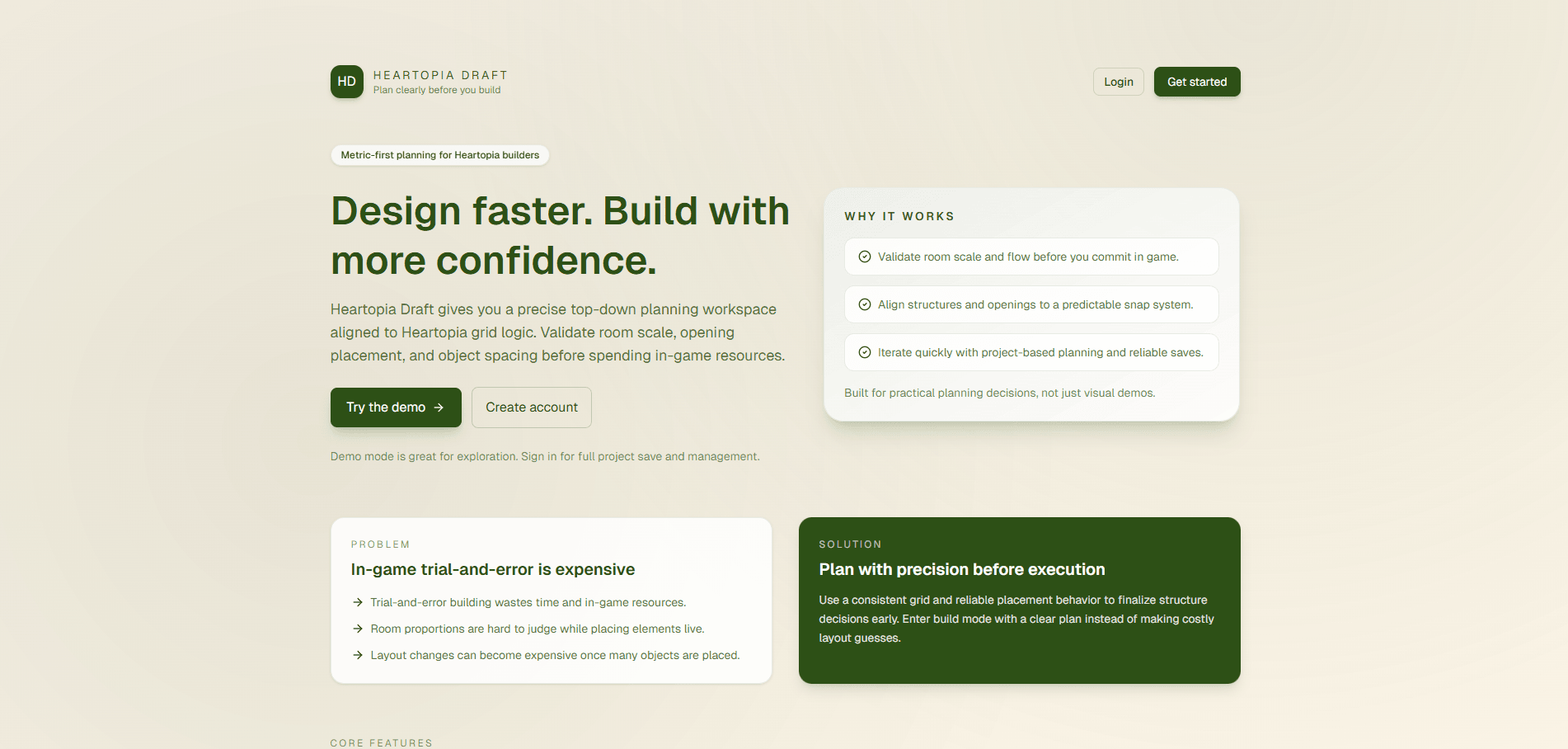
A fan-made planning tool for Heartopia players that helps validate room scale, openings, and object spacing before spending in-game resources.
The Challenge
Heartopia building rewards creativity, but layout trial-and-error can be expensive and hard to reason about while you are placing structures live. The challenge was to turn that planning problem into a tool with predictable metric rules, clean editing workflows, and enough persistence to support real iteration instead of one-off experiments.
The Solution
I built Heartopia Draft as a metric-first editor on top of Next.js and React, using a three-level grid model for deterministic placement, a canvas workflow for direct manipulation, and authenticated project persistence with autosave, validation, and route protection. The result is a planning workspace that feels practical for real build decisions rather than a static mockup.
Impact & Results
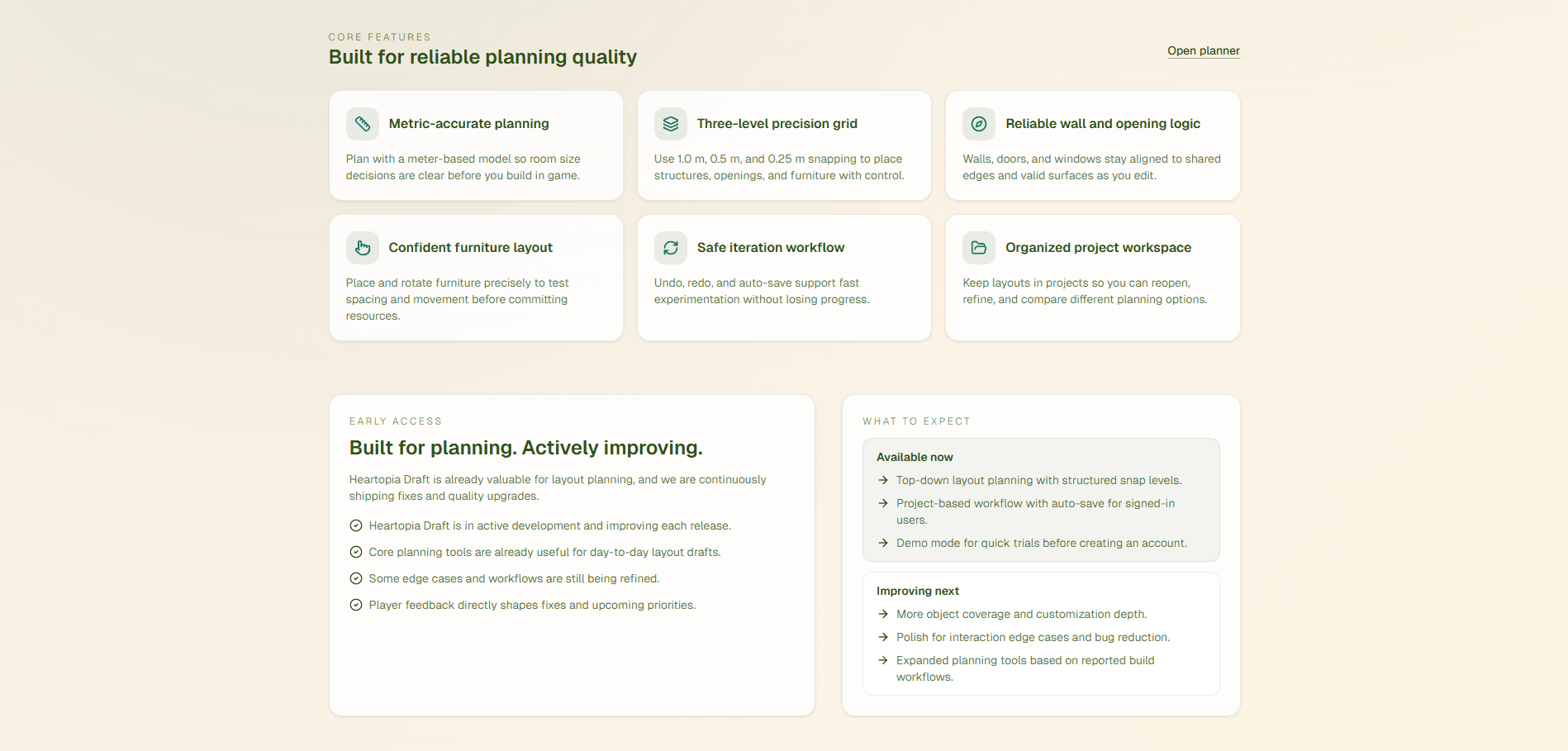
- •Implemented a three-tier grid model with 1.0 m, 0.5 m, and 0.25 m precision levels.
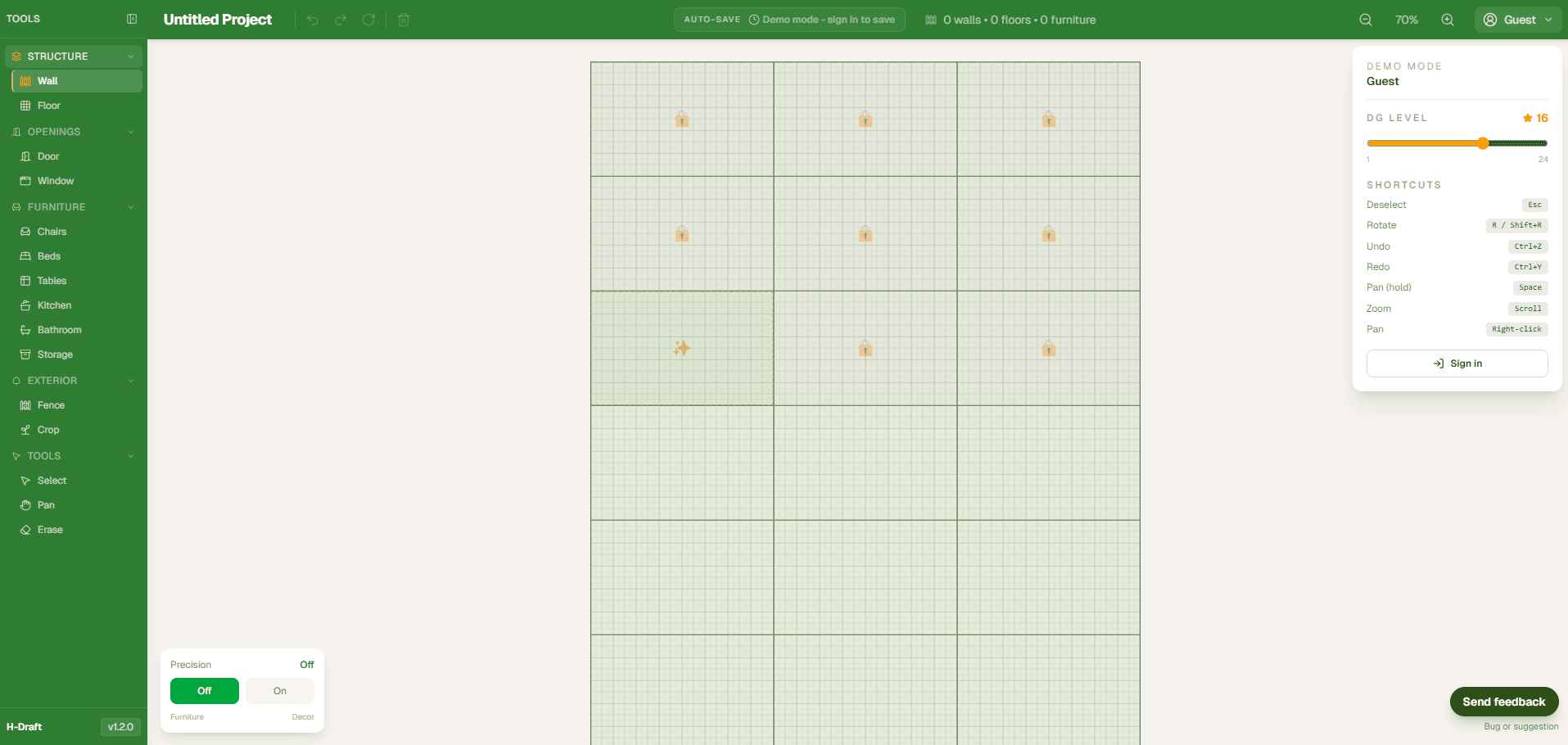
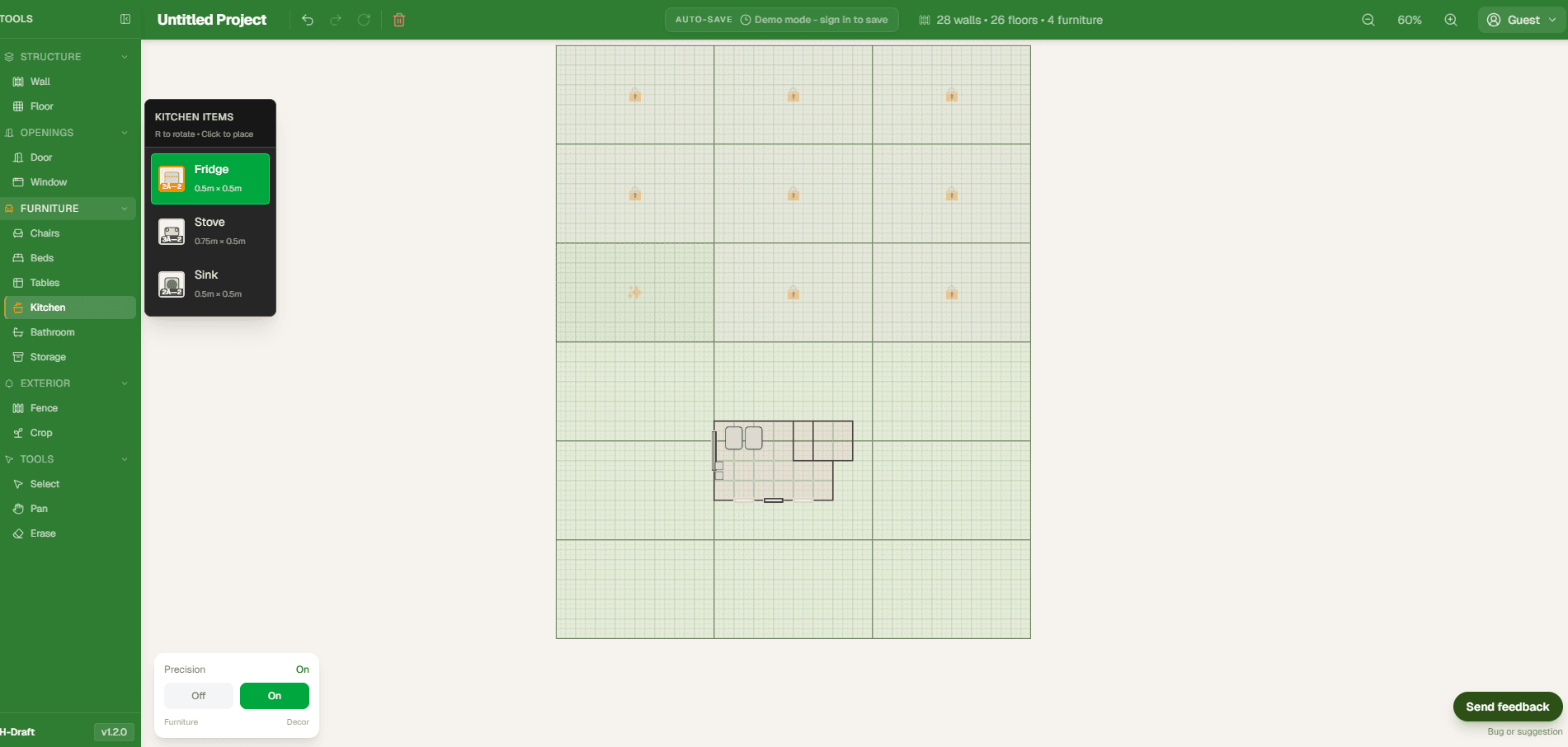
- •Shipped editing tools for walls, floors, doors, windows, fences, crop tiles, and furniture.
- •Added signed-in project persistence with autosave, payload validation, and protected routes.
- •Delivered responsive editor behavior across mobile, tablet, and desktop form factors.
- •Released marquee multi-select and grouped furniture movement in the current editor workflow.
- •Backed the core editor with Jest tests covering autosave, wall logic, and interaction edge cases.
The Planning Problem
The product started from a simple friction point: in-game trial-and-error wastes time and resources. Room proportions are difficult to judge in the middle of building, openings are easy to misalign, and late changes become expensive once furniture is already placed. Heartopia Draft exists to move that uncertainty earlier into a controlled planning phase.
Deterministic Grid Model
The core of the app is a metric-first grid system with three levels of precision. Structural elements live on a 1.0 meter tile grid, openings snap at 0.5 meter placement units, and furniture can be positioned on a 0.25 meter fine grid. That separation lets the editor stay predictable while still supporting detailed layout work.
Editing Workflows
The editor supports pan, zoom, touch gestures, shared-edge wall logic, opening chains, safety-margin validation, eight-direction furniture rotation, single-object drag, and marquee-based group movement. The point was not just feature breadth, but making sure each interaction behaves consistently enough that users can trust the tool while iterating quickly.
Persistence and Guardrails
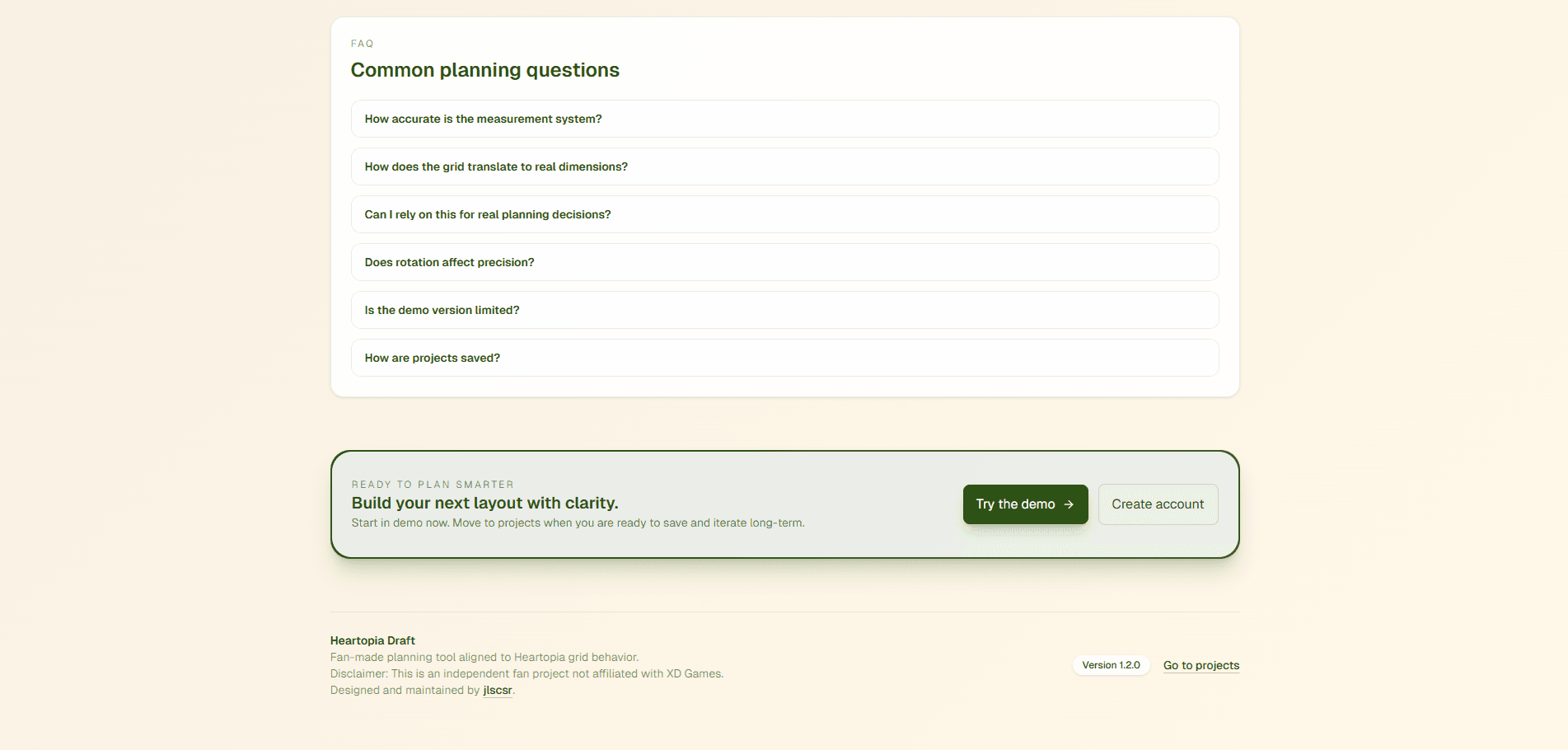
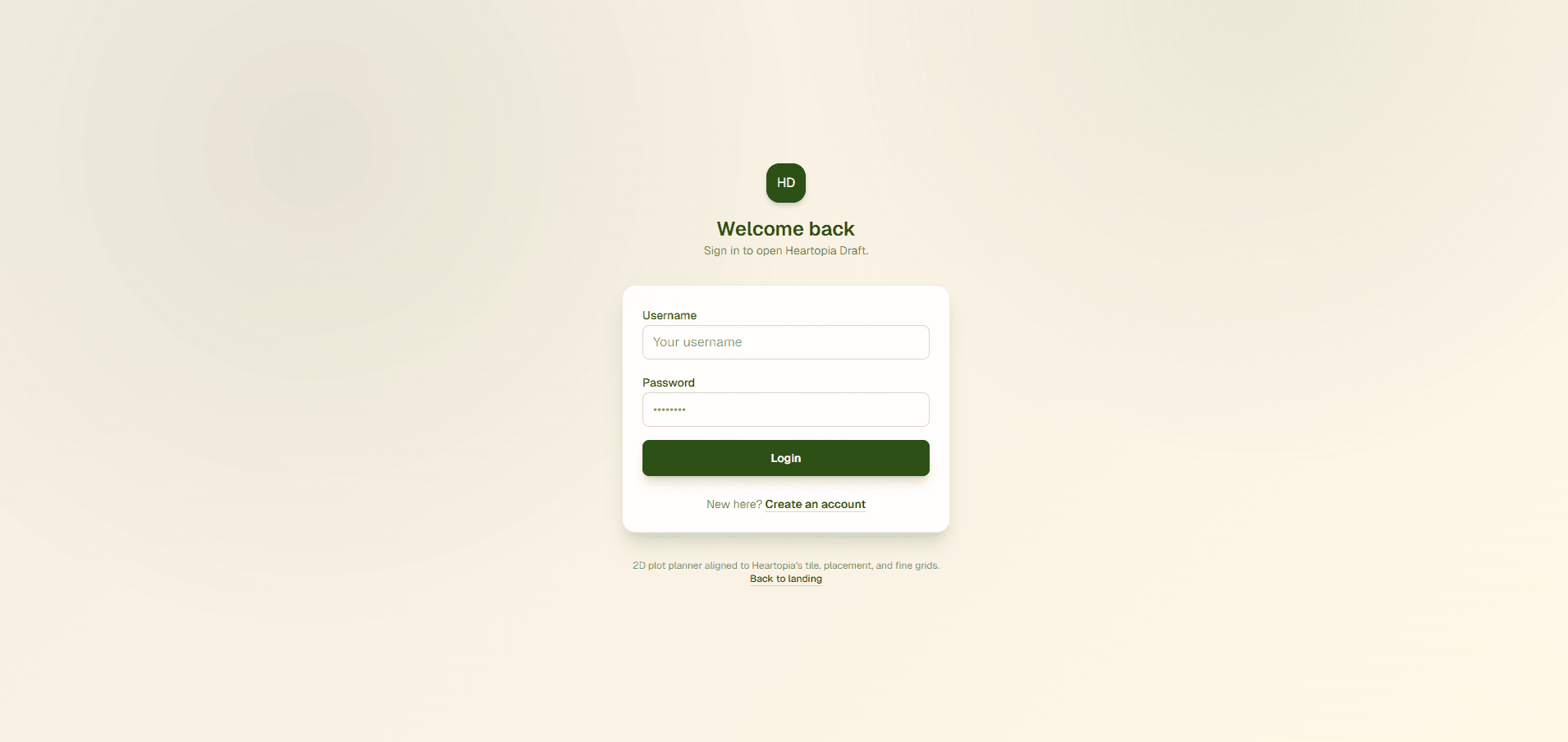
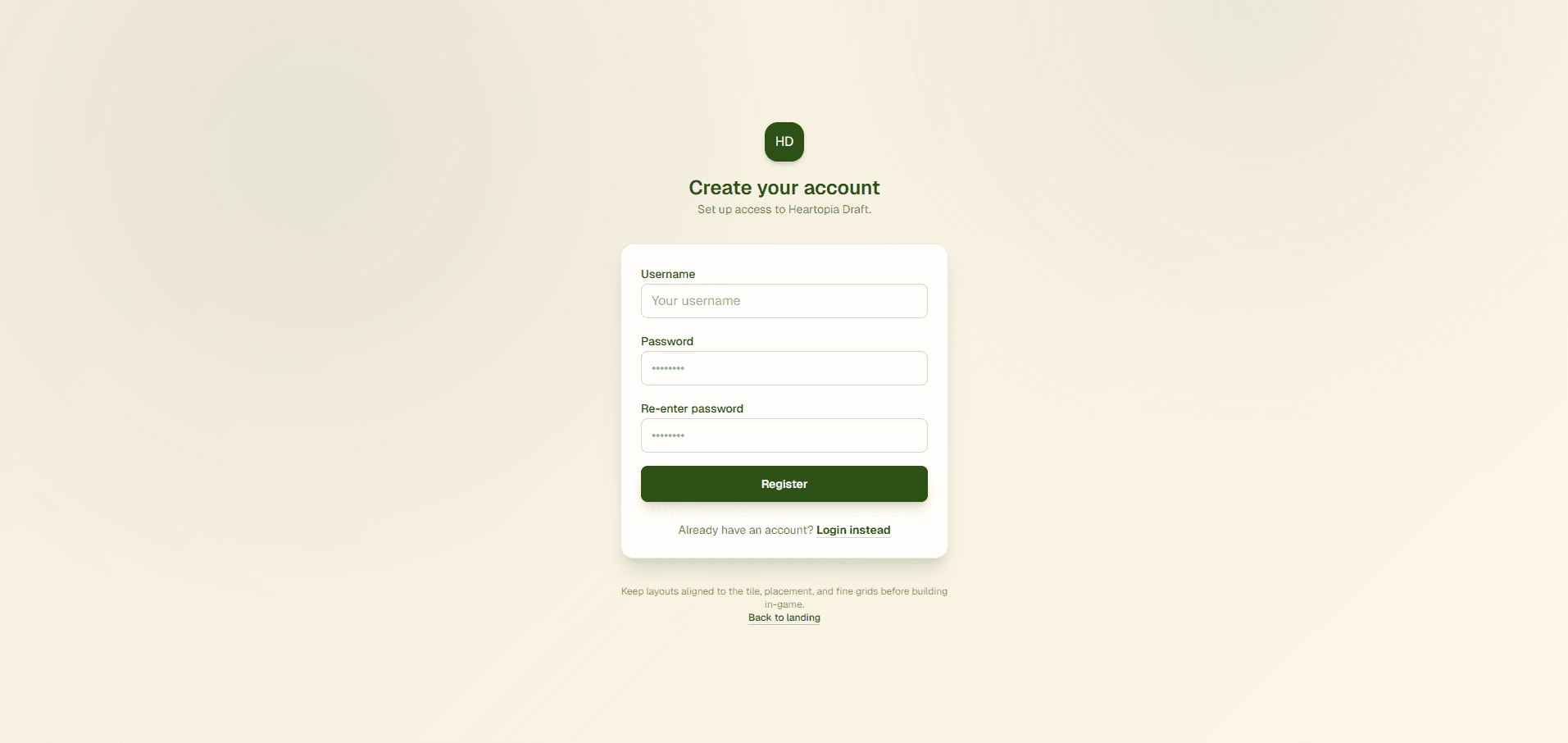
Signed-in users can save projects automatically while demo users can test the full editing workflow without committing data. Under the hood, I added route protection, centralized project payload validation, rate limiting for sensitive writes, hydration-aware autosave behavior, and MongoDB persistence so the planner is stable enough for repeat use.
Shipping Quality
I treated this like a real product, not just a prototype. The repo includes Jest and Testing Library coverage, dependency-cycle checks, explicit MongoDB index bootstrapping, and release notes for shipped UX and interaction improvements. That discipline mattered because spatial editors become fragile quickly when the rules are not enforced at both the UI and domain layers.
Lessons Learned
This project pushed me further into product thinking and systems design. Spatial tooling is mostly about reliability: users need the editor to behave the same way every time, especially when multiple grid levels and interaction modes overlap. Building Heartopia Draft reinforced how important domain rules, UI clarity, and persistence safeguards are when turning a clever tool into something people can actually depend on.
Project Gallery
Role
Product Engineer & Full-Stack Developer